This article is for the use of Global Admins.
To ensure data consistency across Cash Management, the system enforces standardized validation rules for Account Codes and Account Group Codes in all applicable areas of the product.
Validation rules
When creating or updating an Account Code or Account Group Code, the following rules apply:
Allowed characters
-
Letters (A–Z, a–z)
-
Numbers (0–9)
-
Dashes ( - )
Restrictions
-
Code cannot be blank
-
Code cannot start with an underscore ( _ )
-
Code cannot contain any of the following characters:
' " \ ( ) { } [ ] @
-
Duplicate codes are not allowed within the same Entity. An attempt to use a code that already exists triggers in an error.
Where validation applies
Validation is enforced anywhere an Account Code or Account Group Code can be created, edited, or imported, including:
-
Task
-
Workflow
-
Account Reconciliation (AR)
-
To-Do Page
-
Close Home
-
Close Zip Package
-
Period Setup
-
Trial Balance
Validation process
-
The system validates the code immediately when a user creates or edits an Account Code or Account Group Code.
-
If validation fails, the user receives a clear, actionable error message explaining the issue (for example, “Code cannot start with an underscore”).
-
Duplicate codes are denied during both creation and updates.
Import and Export behavior
Import
-
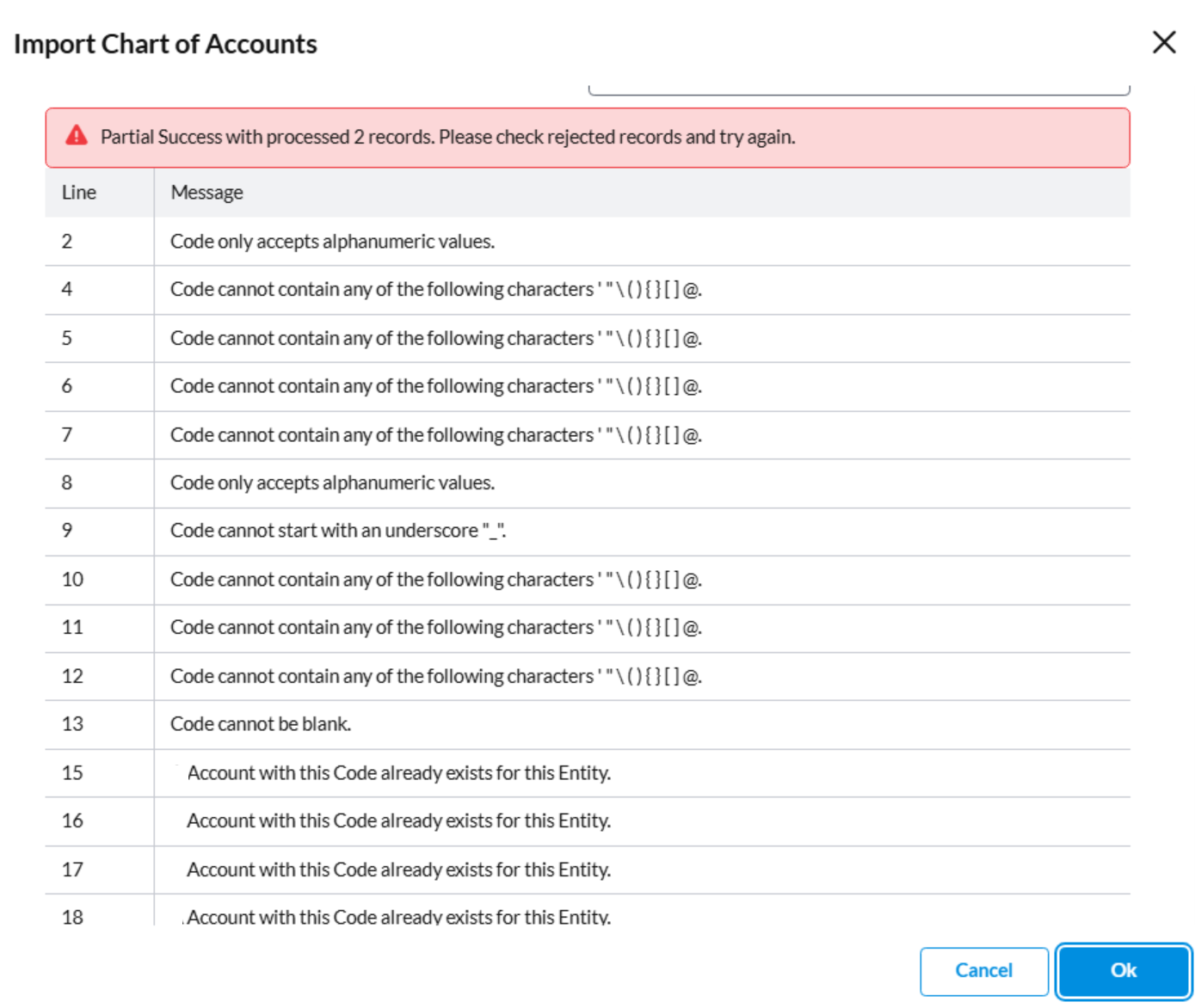
During import of Account Codes, the same validation rules are applied before saving records.
-
Invalid rows are flagged with clear error messages before records are saved.
Export
-
Existing valid codes are exported as is.
-
No formatting or transformation is applied during export.